Solar warranties are conditions, not deadlines, and that is why they get missed
Almost no residential solar brand runs a registration countdown. What they run instead are conditions: things that have to be true for the long term to hold. Conditions have no expiry date, no reminder and no notification when they break.
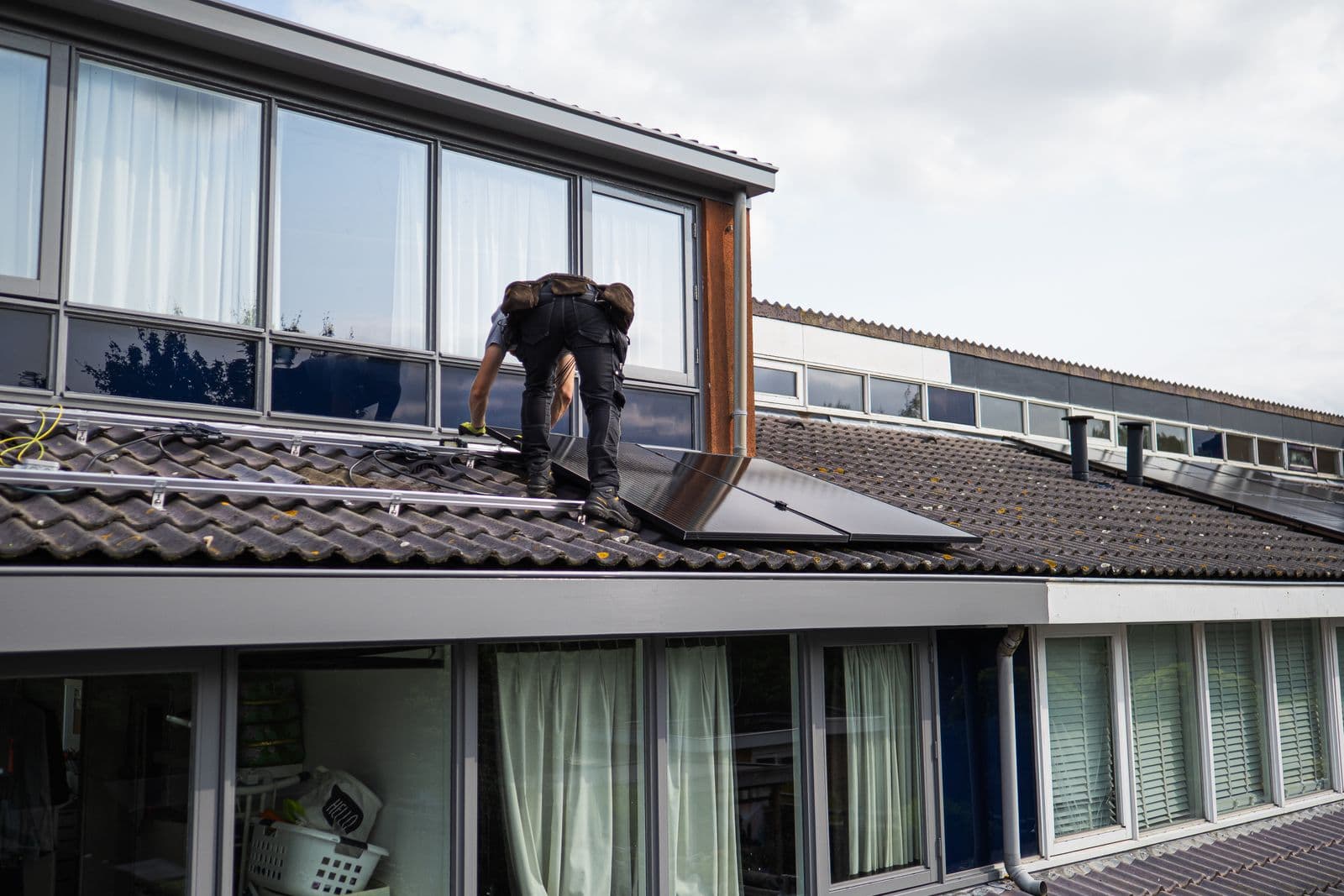
Photo: Pexels
Most residential solar brands have no registration deadline at all. What they have instead are conditions: things that must be true for the full term to hold. A deadline passes loudly on a known date. A condition just stops being true one afternoon, silently, and nobody finds out until a part fails eight years later and the claim comes back on a shorter term.
Deadlines are the easy case
Installers expect deadlines because other trades have them. HVAC brands run genuine 60 day registration windows. Register or lose it, and the date is on the paperwork.
Residential solar mostly does not work that way. When we read the published warranty documents for the brands in our catalogue, the dated windows were the exception:
- Silfab runs a real one. Product cover is 12 years from delivery, and 25 years if the installation, site and product details are registered through Silfab's portal within 180 days of purchase. Performance runs 30 years either way. That window costs 13 years of product cover when it is missed, which makes it the most expensive deadline in US residential solar.
- Fronius runs one, for the free 10 year Warranty Plus, which needs registration in Solar.web within 30 months of delivery ex works. Registering also moves the start of cover from delivery to commissioning.
- EG4 asks for registration within the first year of purchase, with proof of purchase from an authorised distributor accepted as the fallback.
- SolarEdge and Alpha ESS put a clock on a paid extension decision rather than on the standard term.
Everything else in the catalogue has no countdown. That is genuinely good news, and it is also the reason the failure mode is so persistent. A team that has learned there is no deadline concludes there is nothing to do, and that is the wrong conclusion.
What a condition looks like in practice
A condition is a fact about the install that has to keep being true. It has three properties that make it dangerous:
- No date. Nothing expires, so nothing can be diarised.
- No notification. No brand emails you to say the term just halved.
- It can break after handover. The install was compliant on the day and stops being compliant later, through something nobody on your team touched.
Five worth knowing cold.
GoodWe: ten years becomes five
GoodWe's ten year inverter term is conditional on the inverter being connected to the SEMS portal with generation data uploading. On a hybrid running a Lynx battery, both the inverter and battery serials have to be registered as well. Skip either and the term is five years instead of ten.
Nobody tells you. There is no dated deadline to miss, so there is nothing on a calendar. The homeowner changes their router or their wifi password, the inverter drops off, and from the roof everything looks normal. The system keeps generating. The warranty is the only thing that changed.
This is the clearest example of why a countdown is the wrong mental model. The right one is a checkbox that can uncheck itself.
Tesla: ten years becomes four
Tesla's Powerwall is registered at commissioning, so there is nothing to file later. Connectivity is the live condition. The ten year term needs the unit to stay connected to the internet, and if the connection drops and is not restored within 45 days of Tesla's written request, the warranty ends at 48 months.
Read that carefully, because it is a condition with a clock attached to the wrong event. The 45 days do not start at install. They start when Tesla writes. If that letter goes to a homeowner who ignores it, the countdown runs without anyone in your business knowing it began.
The practical response is a handover conversation. Tell the homeowner their wifi matters, and that a router swap that quietly takes the Powerwall offline is the most likely way a ten year term becomes a four year one.
REC: ProTrust exists or it does not
REC's standard product warranty needs nothing. ProTrust, the extended cover on the sales brochure, applies only when an REC Certified Solar Professional installed the system and registered the installation in ProPortal or the SunSnap app.
No deadline is published. That sounds like relief and it is the opposite: a job with no deadline can be deferred forever, and forever is how long it usually gets deferred. Do it at commissioning while the details are in hand. On the Alpha Pure-R line, ProTrust is also where the 240 months of labour cover lives, which is the longest labour term in the catalogue.
BYD: the delivery note moves the start date
BYD has no registration at all. The condition is documentary. Keep the delivery note on file and the ten years runs from delivery plus 30 days. Without written proof of delivery, it runs from six months after the production date, which is usually earlier and quietly burns months of cover before the battery is ever switched on.
There is no window to miss and no portal to visit. There is only a piece of paper that either is in the job file or is not, and its absence is discovered in year nine.
BYD claims also want product, module and inverter serials, so capture all three at install. Going back for a module serial means opening the enclosure again.
FranklinWH: the clock may already be running
FranklinWH's 15 year term on aPower 2 and aPower S starts at installation or 12 months after manufacture, whichever comes first. A unit that sat in a warehouse burns cover before it is ever commissioned, and the homeowner never knows.
The condition here is that you record the install date and keep the delivery paperwork. Without those two dates nobody can say when the term started, and when nobody can say, the manufacturer decides.

Start dates are conditions too
That last point generalises. A large share of the catalogue measures the term from something other than the install date, and the paperwork you keep decides which date applies.
| Brand | What starts the clock |
|---|---|
| Jinko | Delivery, or 180 days after manufacture, whichever is earlier |
| Trina | Installation, or 3 months after delivery, whichever comes first |
| SolarEdge | The earlier of installation or 4 months from shipment |
| Alpha ESS | Installation, or 180 days after manufacture, whichever is earlier |
| Sol-Ark | Initial purchase or receipt by the end user, whichever is later |
| Q CELLS | The end customer invoice date, in the terms we could read |
| Enphase | Activation in Enlighten, for the IQ8 term |
None of those are deadlines. All of them are conditions on your record keeping, and every one of them is unrecoverable a year later.
How to run this as a process
The instinct is to build a reminder system. Reminders are the wrong shape for this problem, because a reminder needs a date and conditions do not have one.
What works is a list of outstanding facts per piece of equipment, which stays outstanding until someone confirms it. Not "register the GoodWe by Friday", but "the GoodWe is on SEMS: confirmed, by whom, on what date". Same for the Powerwall being online, the REC install being registered by a certified professional, the BYD delivery note being on file, the FranklinWH install date being recorded.
Three habits make it work:
- Confirm at commissioning. Every condition above is cheap to satisfy on the day and expensive to satisfy later. The details are in your hand once.
- Re-check on service visits. Connectivity conditions can break years after handover. A tech already on site can confirm a GoodWe is uploading or a Powerwall is online in under a minute.
- Record the confirmation, not the intention. A confirmation number stored against the equipment is evidence. An email in someone's inbox is not.
That is what Claim Timer holds: one record per piece of equipment, the conditions each brand attaches to it, and whether each one has been confirmed. It builds the claim pack when the part fails. It does not file with the manufacturer for you, and cost reporting across a quarter is not built yet.
If you want to see what applies to a specific install, put the brand and the install date into the warranty deadline calculator. If a part has already failed, the claim checklist shows what the claim will need. And check anything material against the brand's current published document, because terms change and the catalogue entries carry the date each was read for that reason.
Checked against
- GOODWE Limited Warranty for Inverter System, Australia and New Zealand
- Tesla Powerwall Warranty, Australia and New Zealand
- REC Group: warranty registration
- BYD Battery-Box Premium Limited Warranty, Australia V1.1
- FranklinWH: limited warranty
Warranty terms change and differ by country. Treat this as a starting point and check the manufacturer's current document before you rely on it.
Keep reading
Solar panel warranty explained: the three types and what each one covers
A solar system carries three separate warranties, and they are held by different companies. Here is what each one covers, how long it lasts, and which one you need when something breaks.
Warranty basicsHow long do solar panels last? The answer with a document behind it
Every other page answers this with an average somebody made up. The only enforceable answer is the term a manufacturer signed: 25 to 30 years on the panel brands we have checked, and 10 to 12 on the inverters.
Keep the serial, the photo and the date on every install
Claim Timer stores one record per piece of equipment, with the nameplate photo and the registration confirmation on it, so the claim has its proof already.