
Tesla Powerwall connectivity is a warranty condition. What that means for your service desk
A Powerwall that goes offline and stays offline can drop from ten years of cover to 48 months. Nobody sends your office a warning. Here is how to build a service desk that catches it.
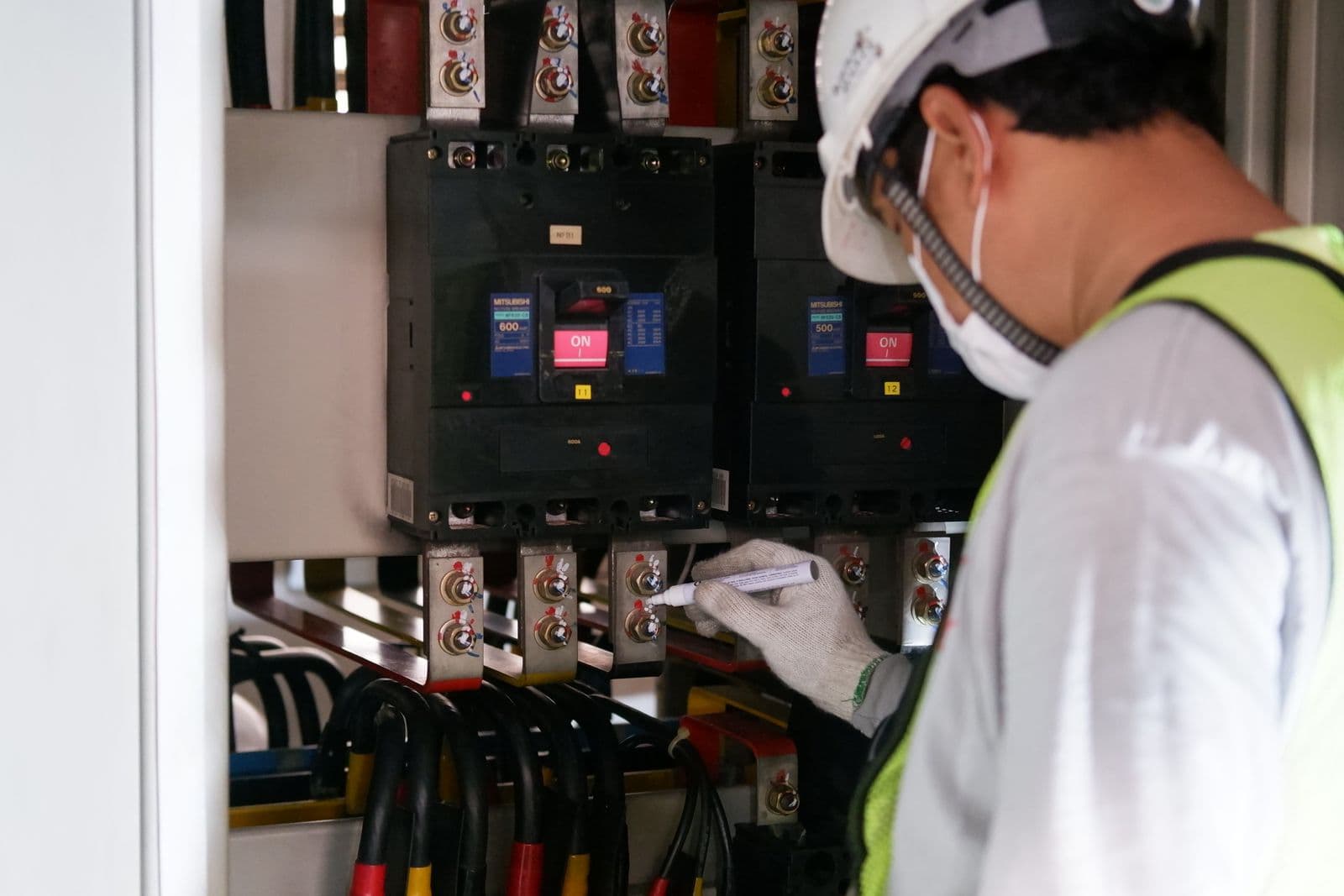
Photo: Pexels
A Powerwall is registered with Tesla at commissioning, so there is nothing to file afterwards. Connectivity is the condition that matters instead. The ten year term needs the unit to stay connected to the internet, and if the connection drops and is not restored within 45 days of Tesla's written request, cover ends at 48 months. That is a live condition for the whole decade.
This is the finding from the Tesla Powerwall Warranty for Australia and New Zealand, read on 30 July 2026. Confirm the current document for the market and model you installed before anything rides on it. The operational point below holds regardless of market: a warranty that depends on a home network is a warranty your service desk has to watch.
Why this is different from every other condition
Most warranty admin is a one time act. Register the unit, keep the confirmation, done. You can finish it, and once finished it stays finished.
Connectivity is not like that. It is a state that has to remain true for ten years, in a house you do not control, on a network the homeowner reconfigures whenever their internet provider sends them a new router. There is no version of "we did the paperwork" that protects it.
The comparison worth holding in your head is GoodWe, which has the same shape. GoodWe's ten year inverter term needs the unit connected to the SEMS portal and uploading generation data, and drops to five years otherwise. Two brands, two portals, the same underlying risk: the warranty depends on something that breaks in the living room.
What actually breaks it
None of these are faults. All of them are ordinary domestic events.
- The internet provider ships a new router with a new network name and password.
- The homeowner changes the wifi password after a housemate moves out.
- The router moves to a different room and the Powerwall is now out of range.
- The house is sold and the new owner sets up their own network.
- The account the system was commissioned under belongs to a company that no longer exists.
Every one of those is invisible from the roof. Nothing on the wall goes red in a way the homeowner reads as urgent. The system keeps charging and discharging. The only signal is an absence of data in a portal that nobody in the house has opened since handover.

The 45 day clock, and why you should not wait for it
The document ties the consequence to Tesla's written request. The connection has to be restored within 45 days of that request, otherwise cover ends at 48 months instead of ten years.
Read that carefully as a process problem rather than a legal one. A clock that starts on a letter you may never see is not a clock you can plan around. Your office is not necessarily the recipient. The homeowner may not read it, may not understand it, and may not connect it to a warranty at all.
So do not build the process on the request. Build it on the thing you can observe yourself, which is whether the unit is reporting. If you find the offline unit before anyone writes to anybody, the 45 days never becomes relevant.
What a service desk that catches this actually does
Four things, none of them expensive.
1. Keep a list of every Powerwall you have installed, by serial, with the customer and the address. Not a list of jobs. A list of units. A job record tells you what you sold in March. A unit record tells you what is out there that has a live condition attached to it. Same for every GoodWe inverter you have fitted, for the same reason.
2. Sweep for offline units on a fixed cadence. Monthly is enough. A named person, a recurring calendar entry, and a written outcome. The output of the sweep is a list of addresses to contact, and it is fine for that list to be empty most months. The value is that it runs when it is not empty.
3. Make reconnection a normal service call with a normal price. Nobody will pay for a visit whose purpose is described as administration. Describe it accurately instead: reconnecting the battery restores the monitoring the homeowner paid for and preserves the warranty term they were sold. Work out what such a visit costs you first, using the truck roll cost calculator with your own drive time and loaded labour rate. Powerwall 3 carries ten years of parts cover and no labour cover, so nothing about this visit comes back to you from Tesla. Price it as your own work, because it is.
4. Check connectivity on every visit to the site, for any reason. A technician already at the property for a panel clean or an inverter fault can confirm the battery is reporting in under a minute. Put it on the visit checklist so it is not a decision.
What to tell the homeowner, and when
Tell them at handover, in one sentence they will remember: your battery has to stay connected to the internet, and if it stops, your warranty gets shorter.
Not "please maintain connectivity". Not a paragraph in a manual. One sentence, said out loud, with the consequence attached, and repeated in the handover document you leave behind.
Then add one line to it: if you change your internet, tell us. That single instruction is worth more than the rest of the handover pack, because the router swap is the most common way a ten year term quietly becomes a four year one.
Where this sits against the rest of the Tesla record
Commissioning registers the unit, so there is nothing outstanding to file. The job afterwards is verification rather than submission, which is the same job as SolarEdge, Enphase and Sungrow, where a commissioning app performs the registration and nobody checks that it landed.
For Tesla specifically, your record on each unit needs:
| Field | Why |
|---|---|
| Serial number | Identifies the unit on any claim |
| Nameplate photo | Settles a mistyped serial two years later |
| Install and commissioning date | Starts the term |
| Registration verified at commissioning | Confirms the automatic route completed |
| Connectivity last confirmed | The only field that expires |
That last row is the one that does not exist in most systems, because most systems record facts about the day of installation. A condition that is checkable on any given day needs a field that says when someone last checked.
Do this today
Pull every Powerwall you have installed into one list. If that means exporting jobs and filtering by equipment, do it once by hand. Then open the portal and find out how many of them are reporting.
The answer is usually not all of them, and the units that are dark have been dark for a while. Some of those customers will be pleased to hear from you. All of them are better off than they were this morning.
Run the warranty claim checklist for Tesla to see what a claim on one of these will ask for, and compare the terms against the other batteries you fit on the battery warranty page. Then check how the condition is recorded on the Tesla brand page, where the verification date on the document is printed alongside the terms.
Claim Timer holds this as a condition on the unit rather than a note in a job file, so the next person who touches the system can see whether connectivity was ever confirmed and when. It does not file with Tesla for you. It makes sure the offline Powerwall is on a list somebody reads.
Checked against
Warranty terms change and differ by country. Treat this as a starting point and check the manufacturer's current document before you rely on it.
Keep reading
Taking on orphaned solar customers when another installer closes
When a solar company closes, its customers keep their manufacturer warranties and lose their workmanship cover. That is a service pipeline, but only if you check which manufacturer conditions are still intact before you take the job.
OperationsSilfab's 180 day window is the most expensive deadline in US residential solar
Silfab's product warranty is 12 years from delivery, or 25 years if the install is registered through Silfab's portal within 180 days of purchase. Performance runs 30 years either way. Missing the window costs 13 years of product cover.
Keep the serial, the photo and the date on every install
Claim Timer stores one record per piece of equipment, with the nameplate photo and the registration confirmation on it, so the claim has its proof already.